On this page
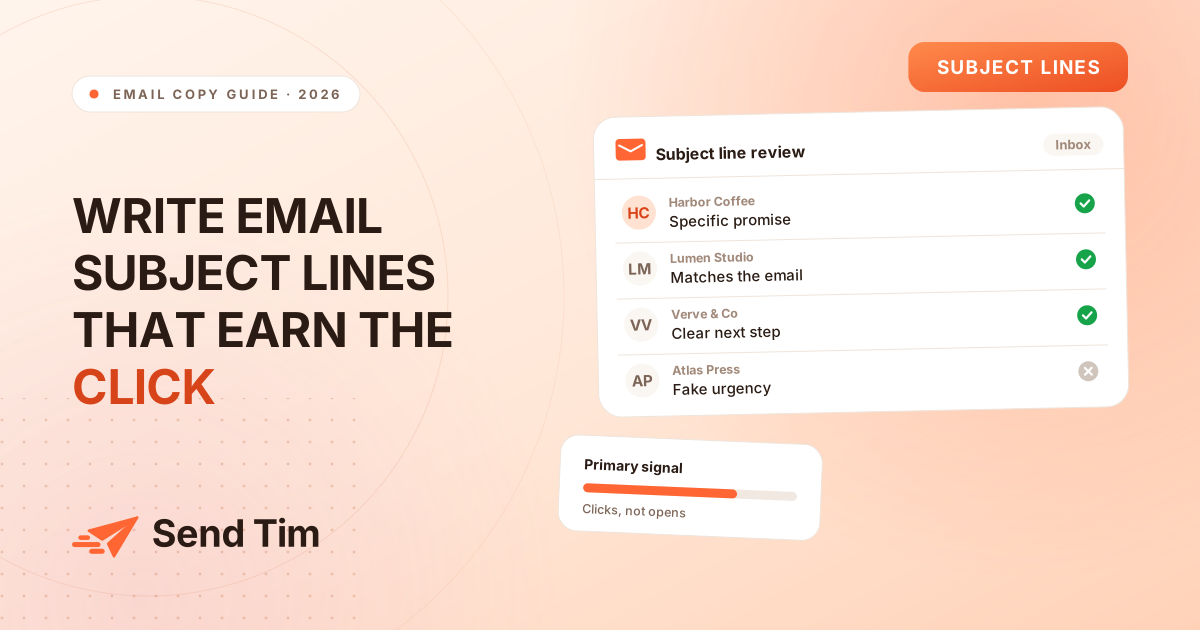
Most advice about email subject lines starts with a list of adjectives: compelling, curiosity-driven, urgent. That is backwards. A subject line works when it helps the right person recognise a useful email quickly, before they have to decode a clever phrase or wonder what is being sold.
This guide gives you a repeatable way to write and review subject lines: start with the email’s one job, make the promise concrete, match the reader’s context, then test the result honestly. For the measurement layer, pair this guide with Email Marketing Metrics and Email A/B Testing.
What makes an email subject line work?
An email subject line is the short piece of copy that frames an email before someone opens it. A useful subject line tells the reader what the message is about, why it may matter to them, and what expectation to carry into the email. It does not need to explain everything; it needs to make the next decision easy.
Start with the promise, not the clever wording
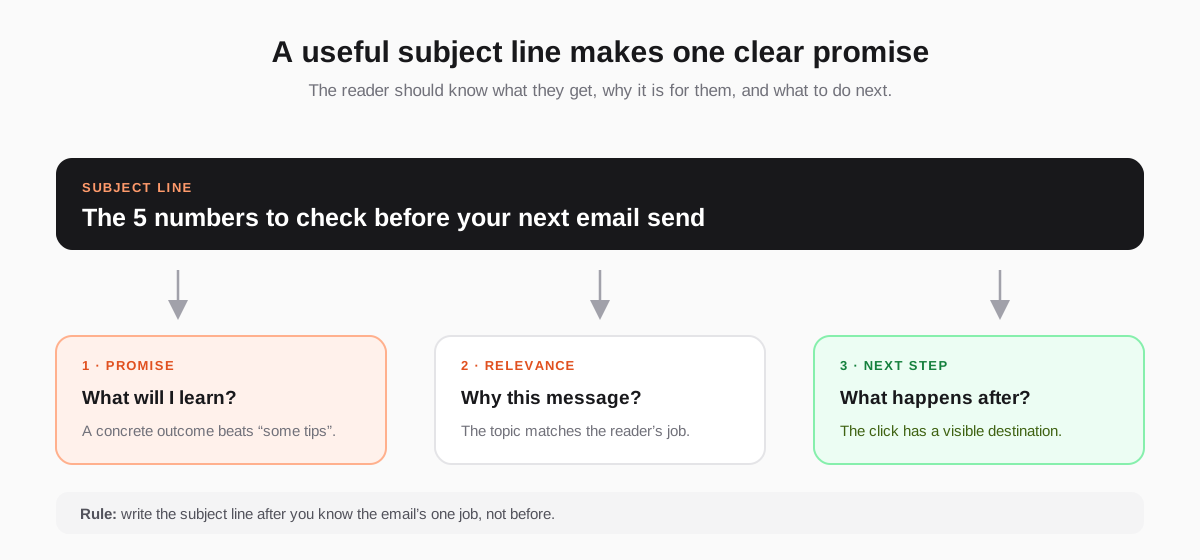
Before writing ten options, write one plain sentence: “After reading this email, the subscriber can ___.” That blank is the promise. If you cannot fill it in, the problem is not the subject line yet; the email itself has too many jobs.
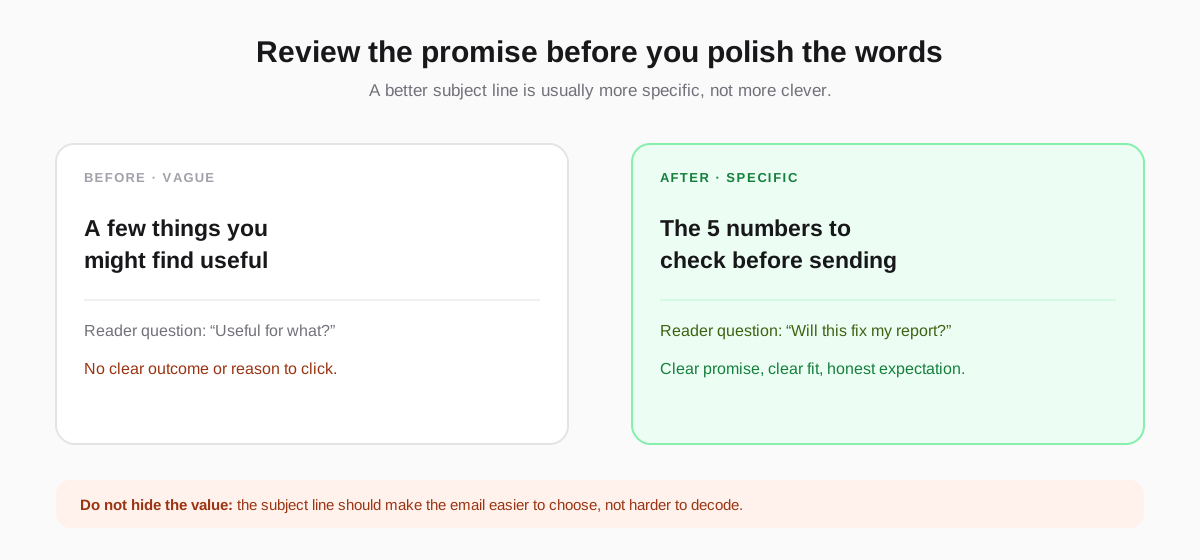
- Name the outcome: “The 5 numbers to check before sending” is easier to choose than “A better way to think about email.”
- Make the fit visible: mention the role, stage or situation when it genuinely narrows the audience — for example, “For your first welcome sequence”.
- Use a concrete object: a checklist, template, report, comparison or short decision is easier to picture than “valuable insights”.
- Protect the expectation: if the email contains a product announcement, say so. If it is a guide, do not disguise it as a personal note.
Five email subject line patterns worth reusing
Patterns are useful as prompts, not as templates to paste forever. Choose the pattern that fits the email’s job, then replace the generic words with the specific thing your reader will receive.
| Pattern | Best for | Example |
|---|---|---|
| The useful number | A report or benchmark | “The 3 metrics to check after a send” |
| The specific outcome | A how-to guide | “Build your welcome flow in one afternoon” |
| The decision | A comparison or product choice | “Which segment should get this email?” |
| The timely moment | A deadline or event | “Before your Monday campaign goes live” |
| The direct question | A reply or preference request | “Which topics should we send you?” |
Notice what these have in common: the reader can predict the shape of the email. That makes the click more qualified. If you promise a report, people who want a report click; if you promise “something exciting”, almost nobody knows what they are agreeing to.
Make the subject line match the email inside
The best subject line is not the one that creates the highest short-term open rate. It is the one that attracts the people most likely to value the email. If the subject line promises a checklist and the email contains a sales pitch, the mismatch shows up later as ignored messages, unsubscribes and complaints.
- Subject: “The pricing checklist is inside” → Email: the promised checklist is the first useful element, not a teaser for something else.
- Subject: “A note about your preferences” → Email: a short preference centre with a clear reason to update it.
- Subject: “Your campaign report is ready” → Email: the report, the key change and one recommended action.
How to test email subject lines in 2026
Subject line tests are still useful, but the cleanest thing a subject line influences — the open — is no longer measured consistently. Apple Mail Privacy Protection can pre-load tracking pixels, and Google says it cannot verify the accuracy of third-party open rates in its email sender guidelines. Treat opens as directional and judge the decision by what happens after the email is read.
- Choose one meaningful difference. Test the promise, specificity or framing; do not change the subject, offer and layout at once.
- Use comparable groups. Split randomly from the same audience and send both versions in the same time window.
- Choose the success metric first. Click rate is the practical default; conversion or revenue is better when it is measurable.
- Wait for the decision window. Do not call a winner because one version is ahead in the first hour.
- Record the lesson. Save the audience, message, variants, result and next action so the test compounds into a system.
A subject line that lifts opens but lowers clicks is not automatically a winner. A subject line that produces the same click rate as the control tells you something too: the framing was not the constraint. The deeper testing framework is covered in Email A/B Testing: What to Test and How to Read Results.
What to avoid in email subject lines
- Fake urgency: “Last chance” when nothing expires teaches people to ignore your deadlines.
- Vague personalisation: adding a first name without making the message more relevant is decoration, not usefulness.
- Overpromising: a high-open subject line that the email cannot fulfil creates the wrong kind of attention.
- Constant novelty: changing tone every send makes the sender harder to recognise. A consistent voice is a trust signal.
- Too many asks: if the email wants a click, a reply and a purchase, the subject line cannot make the priority clear. Pick one job.
A 15-minute subject line review before every send
Write three versions in plain language, then read them beside the email and landing page. Cross out any version that could describe ten other emails. Keep the one that tells the right reader what changes for them, and ask whether the message earns that promise within the first screenful.
Frequently asked questions
What is a good email subject line?
A good email subject line makes the message’s value clear to the right reader without exaggerating it. It names a concrete outcome, matches the email inside and gives enough context to make the next decision easy. The best subject line is specific to the audience and the job of that email.
How long should an email subject line be?
There is no universal character limit that makes a subject line work. Keep the important promise near the beginning, remove filler and check the result on mobile. Short is useful when the idea is simple; a longer line is fine when every word adds context the reader needs.
Should email subject lines use emojis?
Use an emoji only when it adds meaning or fits a voice your audience already recognises. It should never carry the promise by itself. Test it against a plain version on clicks, not just opens, and watch unsubscribes and complaints for signs that the tone is attracting the wrong expectation.
Do email subject lines still affect open rate?
Subject lines still shape whether people choose to read an email, but open rate is a noisy measure because privacy systems can load tracking pixels automatically. Use opens as a rough directional signal and evaluate subject line tests using clicks, conversions, revenue or replies whenever possible.
How many subject lines should I test?
Start with two versions that differ in one meaningful way. More variants spread a small audience too thin and make the result harder to interpret. If the list is large enough, test a second round after learning from the first. If it is small, prefer bigger differences and accept ties.