On this page
- What is email marketing automation?
- The seven email automation workflows to build first
- 1. Welcome series: deliver the first promise
- 2. Lead nurture: answer the question behind the click
- 3. Activation sequence: get to the first useful outcome
- 4. High-intent follow-up: respond to the question the action suggests
- 5. Post-purchase onboarding: make the decision feel successful
- 6. Re-engagement: invite a useful return, then stop
- 7. Preference check-in: let people choose the relationship
- The guardrails that keep automation useful
- How to measure email marketing automation
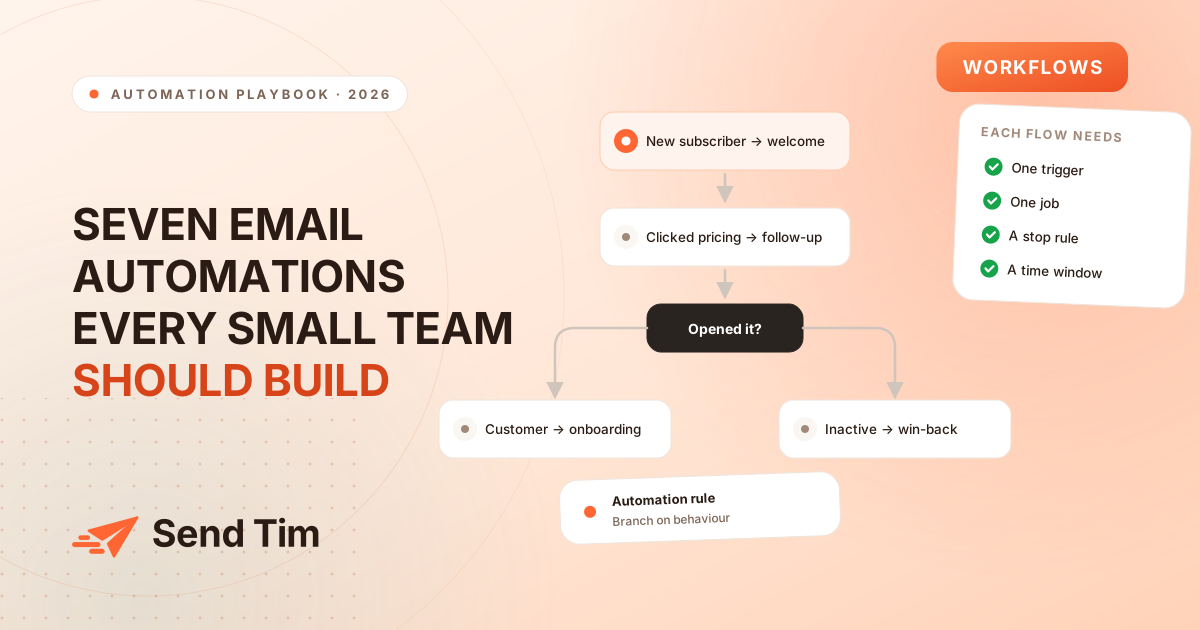
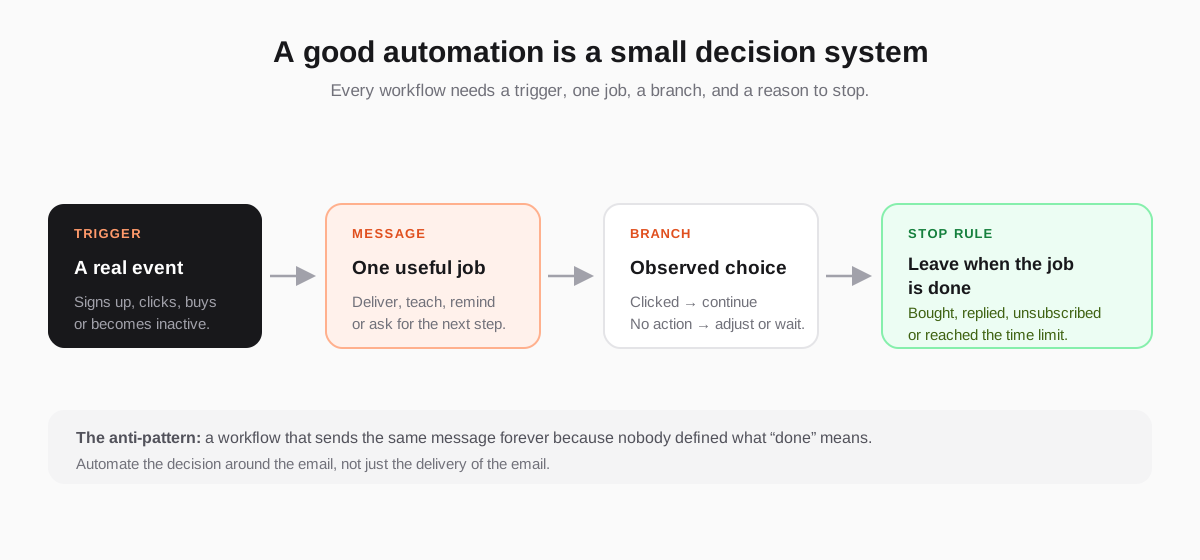
Email marketing automation is often sold as a way to “set and forget” your campaigns. That is the wrong mental model. A useful workflow is closer to a small decision system: a person does something, the system sends the next helpful message, and the contact leaves when the job is done.
This guide maps the seven workflows most small teams can build first, what each one should do, and the guardrails that keep automation from becoming noise. If you are designing a welcome series in detail, start with Lead Nurturing Emails; if you are deciding who should receive each branch, read Email Segmentation.
What is email marketing automation?
Email marketing automation uses a subscriber’s event, attribute or preference to decide when to send a relevant message. Unlike a one-off newsletter, an automated email campaign can react to each contact’s path: it can wait, branch, stop, or send a different next step depending on what the person actually did.
The seven email automation workflows to build first
Build these in order of how clearly the trigger maps to the next useful action. The exact timing depends on your product and audience; the structure is more durable than any universal delay.
| Workflow | Trigger | One job |
|---|---|---|
| Welcome series | A confirmed signup | Deliver the promised value and show the next step. |
| Lead nurture | A meaningful content or product interest | Help the prospect understand the problem and your approach. |
| Activation sequence | A new account or trial | Get the person to the first useful outcome. |
| High-intent follow-up | Pricing or feature-page click | Answer the question that action suggests. |
| Post-purchase onboarding | A purchase or upgrade | Make the decision feel successful and reduce avoidable support. |
| Re-engagement flow | A defined period of inactivity | Invite a useful return, then protect the list with a sunset rule. |
| Preference check-in | A time interval or topic change | Let subscribers choose what and how often they receive. |
1. Welcome series: deliver the first promise
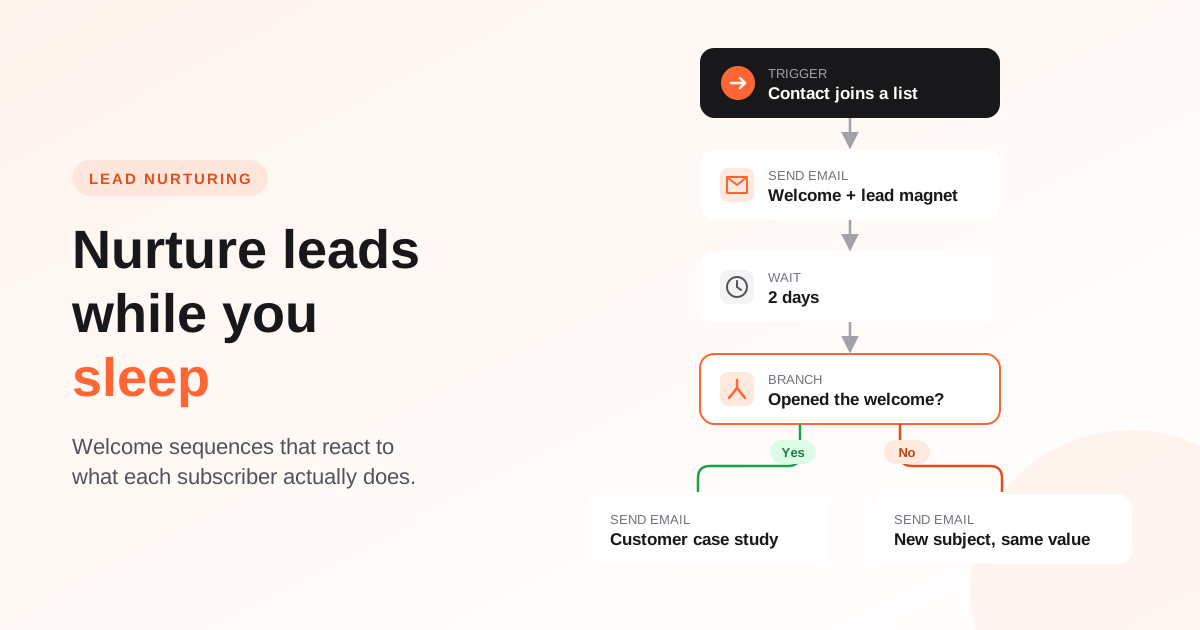
The welcome series is the clearest place to prove that automation can be useful. Start with what the person asked for, then explain the problem you solve, show one credible example and give them one next action. Do not bury the promised download, checklist or confirmation underneath a product tour.
- Entry: confirmed signup from a named form or source.
- Job: help the new subscriber reach the first useful result.
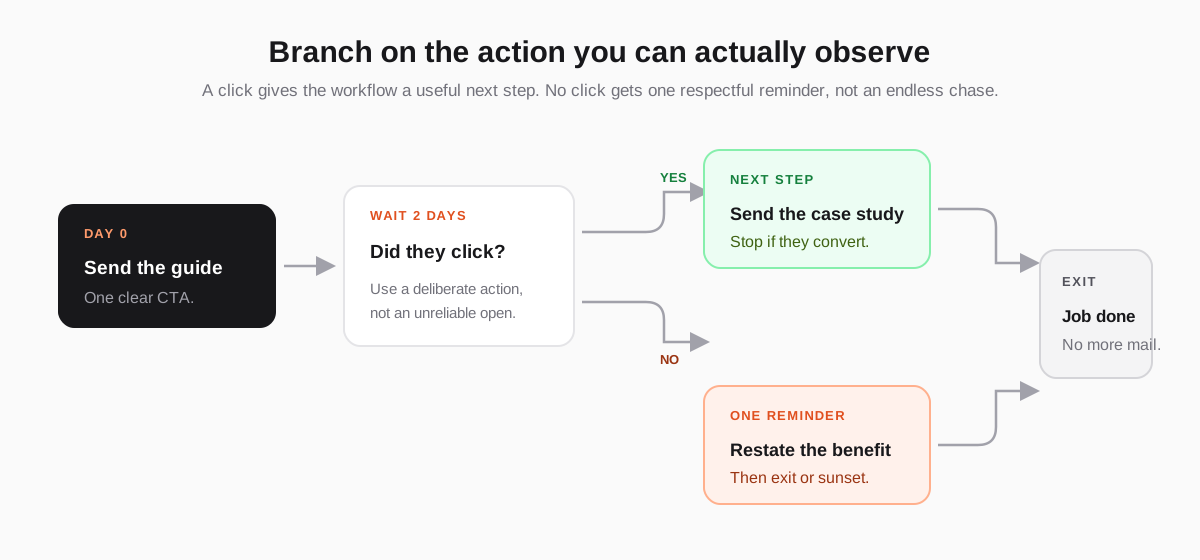
- Branch: clicked the guide, replied, bought, or did nothing.
- Exit: the person takes the next meaningful action or finishes the sequence.
2. Lead nurture: answer the question behind the click
A nurture workflow should not be a queue of five generic sales emails. Use the topic, page or resource that created interest to choose the next explanation. Someone who clicks an analytics guide needs a different follow-up from someone who reads a deliverability checklist. That is where segments based on behaviour become more useful than a single “leads” list.
3. Activation sequence: get to the first useful outcome
For a SaaS product, the activation sequence begins after signup and ends when the person experiences the product’s core value. Each email should remove one obstacle: connect the domain, import contacts, create a first campaign, or review the result. Stop onboarding when the person activates; continuing to send beginner instructions after the goal is complete makes the product feel unaware.
4. High-intent follow-up: respond to the question the action suggests
A pricing-page click is not a purchase, but it is a stronger signal than a general newsletter open. Follow up with the question that action suggests: what is included, who it is for, how setup works or what happens next. Keep the message specific and give the person a way to say “not now” without entering a more aggressive sequence.
5. Post-purchase onboarding: make the decision feel successful
After a purchase or upgrade, the job changes from persuasion to progress. Send the receipt or confirmation, then guide the customer to the first successful use. Add a short check-in when the customer has had enough time to experience the product, and ask for feedback only after you have delivered the outcome you promised.
6. Re-engagement: invite a useful return, then stop
Define inactivity using a meaningful window for your programme — for example, no click, reply or product action over a period that makes sense for your sending frequency. Send one message that makes returning easy, then one final preference or unsubscribe choice. Our re-engagement email guide covers the win-back flow and the sunset decision in detail.
7. Preference check-in: let people choose the relationship
A preference workflow is both a retention tool and a data-quality tool. Ask which topics, product updates or frequency the subscriber wants, then use that answer in future segments. A person who says “monthly product updates” has given you better targeting information than a model guessing what they might care about from a string of ambiguous opens.
The guardrails that keep automation useful
Automation can increase consistency, but it also increases the speed at which a bad rule reaches people. Review entry criteria, exclusions, frequency and exit conditions before every workflow goes live. Google’s email sender guidelines recommend sending to people who opted in, monitoring spam feedback and making unsubscribe easy; the sender requirements FAQ explains the one-click unsubscribe requirement for relevant bulk mail. These are operating requirements for a healthy automation programme, not polish to add later.
- Suppress conflicts: a customer should not receive a prospect nurture about the feature they already bought.
- Cap frequency: overlapping workflows need a priority and a maximum number of marketing emails in a window.
- Use a stop rule: purchase, reply, unsubscribe, preference change and expiry should all be able to end a flow.
- Preview every branch: test the message a contact receives after each possible event, not only the happy path.
- Review quarterly: audiences, offers and product paths change; an automation can be technically live and strategically stale.
How to measure email marketing automation
Measure the workflow against its job, not against a generic open-rate benchmark. A welcome series should move confirmed subscribers toward activation. A re-engagement flow should recover a useful share of inactive contacts or suppress them cleanly. A post-purchase sequence should reduce confusion and increase first-use actions. Connect the email events to the outcome wherever possible, then use email metrics that actually tell you something for the campaign-level diagnosis.
Frequently asked questions
What is email marketing automation?
Email marketing automation sends and adapts messages based on a subscriber’s event, attribute or preference. Instead of sending the same campaign to everyone at one time, a workflow can wait, branch or stop according to what each person actually does, such as signing up, clicking, purchasing or becoming inactive.
What email automation should I build first?
Build the workflow closest to a clear customer moment. For most teams, that is a welcome series because the trigger, promise and next step are easy to define. Then add activation, nurture, post-purchase and re-engagement workflows as you learn which behaviours predict progress for your audience.
How many emails should an automation sequence contain?
Use as many emails as the job requires and no more. A short welcome series might need three or four messages, while a product onboarding flow may need fewer messages spread across a longer period. Every email should remove an obstacle, explain a decision or deliver a promised next step.
Should automations branch on email opens?
Avoid using opens as the only decision signal. Privacy systems can load tracking pixels without a person reading the message, so an open is directional. Use clicks, replies, purchases, product events and declared preferences for important branches, and keep an open-based rule as a low-stakes fallback only.
How do I stop email automation from becoming spammy?
Give every workflow one job, cap overlapping frequency, suppress people who have completed the goal, and define an exit for inactivity. Make preferences and unsubscribe easy, then review the flow after changes to your product, audience or offer. Automation should reduce irrelevant email, not make it faster.