On this page
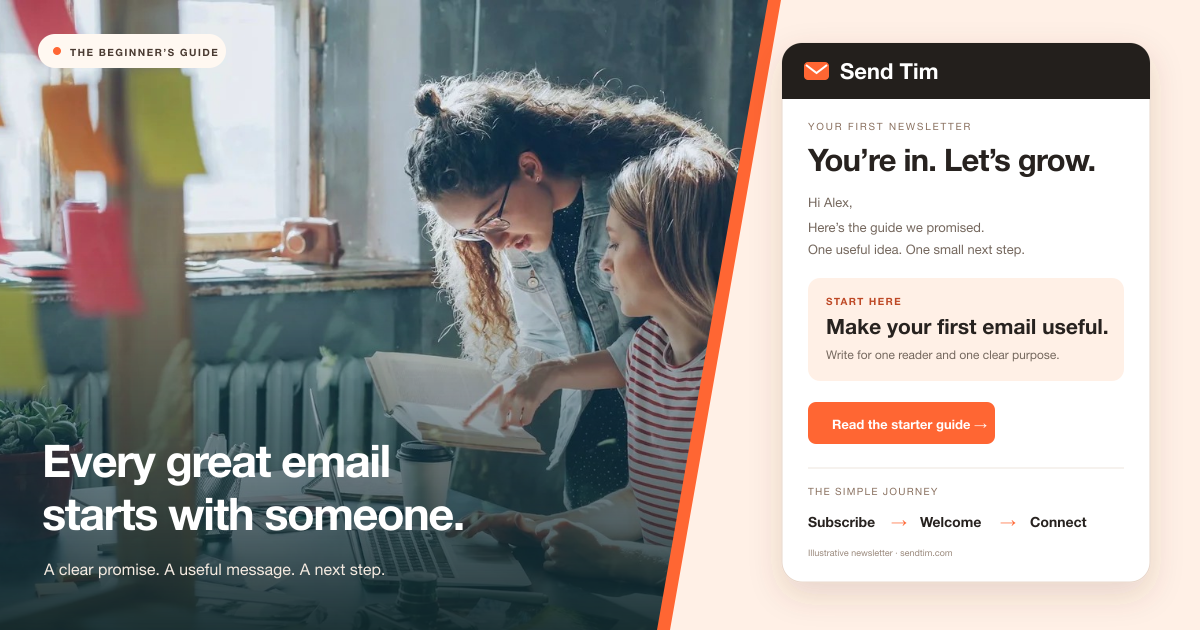
Your first marketing email does not need a huge list or a complicated funnel. It needs a person who wants to hear from you, something useful to say, and a clear reason to send it now. A shop might help a new customer choose the right product. A consultant might explain a common mistake. A creator might send a lesson that readers can use that afternoon.
This guide explains how email marketing works and helps you build a first campaign you can learn from. We will cover the main email types, the decisions to make before choosing software, and a practical path from an empty audience to a tested send. The examples are illustrative, so use them as starting points rather than promises of specific results.
What is email marketing?
Email marketing is a form of digital marketing that uses email to communicate with subscribers and support a relationship with a business, publication, or creator. Messages may educate, announce something relevant, help someone evaluate a purchase, or encourage continued use of a product. The common thread is a useful message sent to an appropriate audience.
Unlike a public post, an email arrives in a subscriber’s inbox. That gives you a direct route to someone who has chosen to hear from you, but it does not guarantee that the message will be delivered, read, or acted on. You still need to earn attention with each send. Buying a large contact file does not create that relationship.
Marketing emails and transactional emails serve different purposes
A newsletter or seasonal offer is a marketing message. A password reset or order receipt primarily helps someone complete or confirm an action. Keep the purpose clear when planning your sends, especially when promotional content is added to a service message. Our transactional email guide explains the operational differences in more detail.
Who can use email marketing?
Email is useful when you can identify a recurring reason for people to hear from you. That reason matters more than the industry. If you cannot explain what a subscriber gains from the next few messages, start by learning more about the audience before building a sending schedule.
| Business or audience | Useful content | Possible next step |
|---|---|---|
| Independent store | A guide to choosing or caring for a product | Find the right option |
| Software company | A short lesson on completing a common task | Try the workflow |
| Consultant or agency | An explanation of a recurring client problem | Read a worked example |
| Creator or educator | A practical lesson with a small exercise | Apply the lesson or reply |
| Local business | Relevant events, availability, and helpful advice | Book a visit or explore an event |

What can email marketing help you do?
Continue a conversation after the first visit
Someone may discover your business through search, a recommendation, or social media and leave before making a decision. A relevant subscription gives them a way to stay in touch. The follow-up can answer questions that a single visit could not resolve. Our guide to email marketing and social media shows how to connect that discovery with a useful email journey.
Make messages more relevant as you learn
A subscriber’s stated interests or stage in a journey can help you decide what to send. A beginner lesson may suit a new user; a detailed workflow may suit someone with more experience. Start with a few meaningful groups and explain why you collect information. Personalization is useful when it changes the value of the message, not simply when it inserts a first name.
Build a repeatable process you can measure
Email software helps organize contacts, build messages, schedule sends, and report engagement. That creates a repeatable process, but the work still includes research, writing, review, and maintenance. Budget for those tasks as well as the software. Judge the return against your own costs and outcomes rather than assuming a published industry average will apply to your business.
Seven types of email you may use
You do not need every email type on day one. Choose the messages that solve a real problem in your current customer journey. A small, maintained program is easier to learn from than several sequences nobody reviews.
| Email type | When it helps | Example |
|---|---|---|
| Welcome | Immediately after someone subscribes | Deliver the promised guide and explain what comes next |
| Newsletter | On a stated editorial schedule | One useful lesson and a relevant example |
| Promotion | When an offer is relevant to the recipient | Explain a new collection and who it suits |
| Educational sequence | While someone learns or evaluates | A short course answering common beginner questions |
| Cart reminder | When an eligible shopper leaves a checkout unfinished | Help with a remaining purchase question; stop after purchase |
| Post-purchase | As a customer begins using a product | Setup or care advice connected to the order |
| Re-engagement | When a subscriber has stopped taking meaningful actions | Ask whether the topic or frequency still suits them |
A campaign is a planned send to an audience, such as a newsletter edition. An automation begins when a defined event or condition occurs, such as a signup. Automation also needs rules about eligibility, timing, repeat entry, and when messages should stop. For a first setup, a useful welcome email sequence is often a manageable place to begin.
How to start email marketing in seven steps
1. Pick one goal and one primary reader
Write down who the message helps and what useful progress looks like. “Help new customers complete setup” is easier to act on than “increase engagement.” Choose one main action for the first campaign, such as reading a setup guide or booking a consultation. Keep the audience small enough that you can explain why the content fits.
2. Create a signup promise people can understand
Explain the topic, the benefit, and the expected frequency on your signup form. A resource offer should also make ongoing emails clear. Build your list through people choosing to subscribe, and keep a record of the signup context. Avoid purchased lists or importing contacts simply because you found their addresses online. Make it easy for readers to leave when the content stops being useful.
3. Set up a recognizable sender
Use a sender name readers will recognize and a reply address someone monitors. Follow your provider’s instructions to authenticate your sending domain and verify the setup before launch. Domain authentication helps receiving systems evaluate your mail; it does not guarantee inbox placement. Review the deliverability guide for the relationship between authentication, list quality, and sender reputation.
4. Write a welcome email that keeps the promise
Deliver what the subscriber requested near the top of the email. Introduce the sender briefly, explain what future messages will contain, and offer one helpful next step. A long company history can wait. Test the welcome flow with a new address so you can verify timing, links, and the actual delivered message.
5. Build the first campaign around one idea
Write a subject line that accurately describes the value inside. Use preview text to add context. Open with the reader’s situation, explain the useful idea, and link to one main next step. Keep the layout readable on a phone and make essential information available as text. Our email design guide covers practical layout and accessibility choices.

6. Test the complete experience before sending
- Audience: confirm the selected group, eligibility, and exclusions.
- Sender: check the visible sender name, reply address, and domain setup.
- Content: review the subject, preview text, links, dates, and any personalization fallbacks.
- Reading: inspect a delivered test on desktop and mobile, including what happens when images are unavailable.
- Destination: complete the action behind the main link and check that the page matches the promise.
- Preferences: verify the unsubscribe path and coordinate the campaign with any welcome messages already running.
7. Review the result and improve one thing
Give readers a reasonable period to act, then review the result against the original goal. Read replies and look for confusion, not only clicks. If people click but do not complete the action, inspect the destination before rewriting the subject line. Record one change you want to test next so each campaign teaches you something specific.
How to choose email marketing software
Evaluate a platform by completing the workflow you actually need. Build a form, subscribe, receive the welcome email, create a campaign, and inspect the reporting. A long feature list tells you less than a successful trial of your everyday tasks. Check current pricing against both your contact count and your expected sending volume.
- Contact management: can you organize interests, preserve signup context, and respect unsubscribes?
- Email creation: can you produce a readable message and preview or test it easily?
- Automation: can you understand the trigger, timing, eligibility, and stop conditions?
- Reporting: can you connect campaign activity to your goal and export information you need?
- Practical fit: do integrations, support, limits, and costs match the work you expect to do?
Which email marketing metrics should a beginner track?
Begin with one outcome metric and a small set of supporting signals. For an educational message, the outcome might be completing a lesson. For a promotion, it might be a relevant purchase. Delivery, clicks, replies, unsubscribes, and complaints help explain what happened. A delivered message was accepted by a receiving server; it is not proof that it reached the primary inbox.
Open tracking is also imperfect. Apple explains that Mail Privacy Protection can prevent senders from knowing whether a message was opened. Clicks need context too, because security systems may inspect links automatically. Combine reporting with actual downstream actions and qualitative feedback. The email marketing metrics guide explains how to interpret these signals together.
Your first week of email marketing
Keep the initial scope realistic. Spend the first part of the week defining the reader and signup promise. Build the form and welcome email next, then draft a campaign that answers one genuine question. Use the remaining time to test the delivered experience and invite a small, eligible audience to engage. If setup takes longer, move the send date instead of skipping the checks.
You are ready to begin when you can explain who should receive the email, why they expect it, what it helps them do, and how they can stop receiving it. From there, a consistent cycle of useful content, careful sending, and honest review gives you a foundation to build on. For a wider plan, continue with the email marketing strategy guide.
Frequently asked questions
What is email marketing in simple terms?
Email marketing means sending useful content, relevant offers, or timely follow-up to subscribers by email. Its purpose is to build a relationship and help people take an appropriate next step with a business, publication, or creator.
How do I start email marketing with no subscribers?
Choose a clear audience and a useful subscription promise. Create a signup form, explain what people will receive, and share it where interested people already discover your work. Build a welcome email that delivers the promise before planning a larger sending schedule.
What should my first marketing email say?
If it follows a signup, deliver the promised resource or introduction, explain what comes next, and offer one useful action. For a campaign, answer one reader question or explain one relevant offer with an accurate subject line and a clear next step.
What is the difference between a campaign and an automation?
A campaign is a planned send to a selected audience, such as a newsletter edition. An automation starts when an event or condition occurs, such as a signup, and follows defined timing and eligibility rules. Both require testing and ongoing review.
How much does email marketing cost?
Costs depend on the software, number of contacts, sending volume, integrations, and the time spent creating and maintaining messages. Check a provider’s current limits and pricing against your own workflow instead of assuming that the advertised entry price covers every need.